
Managing Blog Languages
Enable and manage multiple languages for your blog
Accessing the Languages Page
To manage the languages for your blog, navigate to the Languages page within your blog's dashboard. This page allows you to view and modify the languages available for your blog content.
- Ensure you are logged in as the blog owner to access language settings.
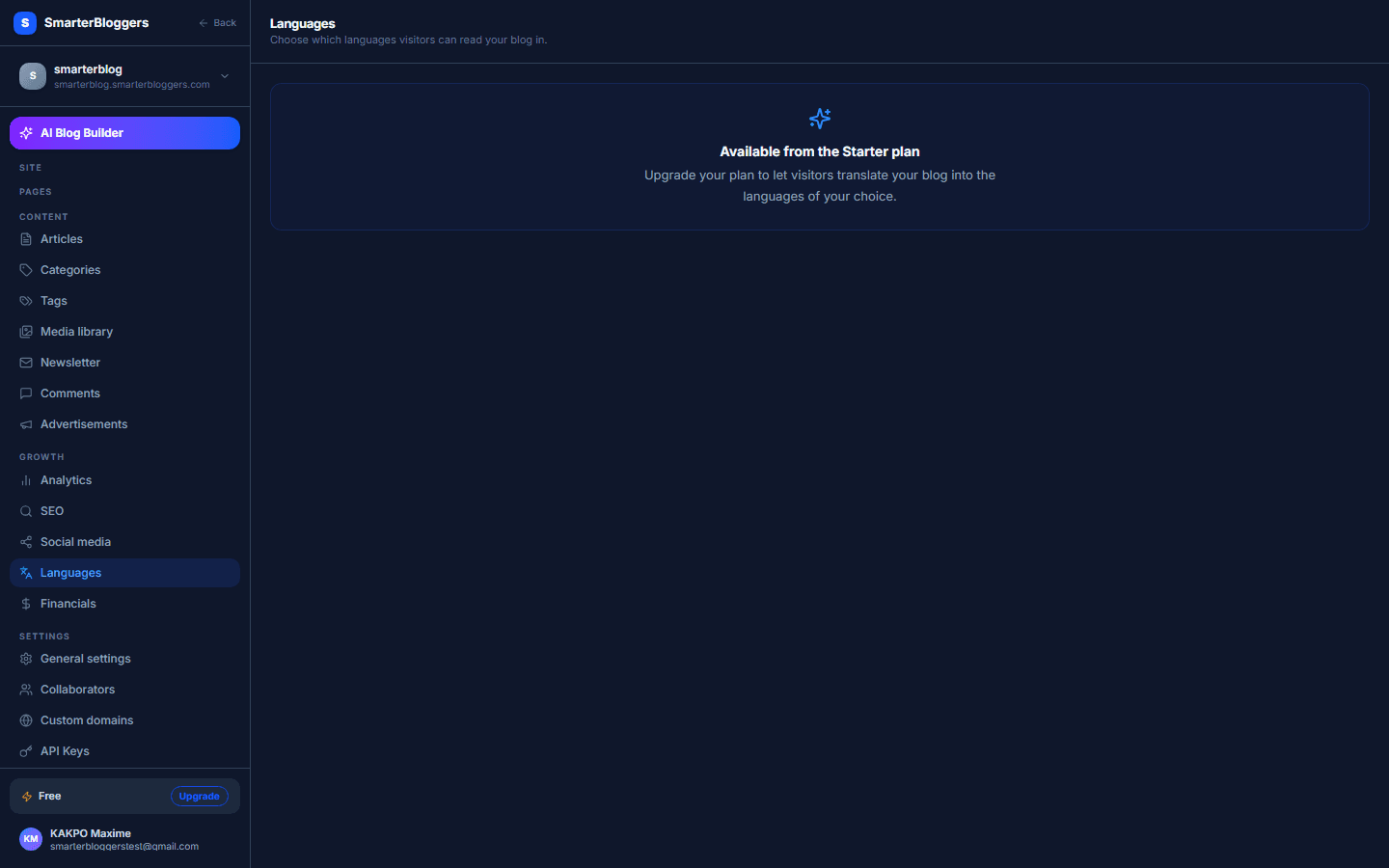
Understanding Language Availability
The Languages page displays the languages that are currently enabled for your blog. The default language for your blog is determined by the initial setup and is displayed as the source language. You can enable additional languages from the list of supported languages, excluding the source language.
- The source language cannot be disabled.
- Only supported languages can be enabled.
Enabling and Disabling Languages
To enable or disable a language, use the toggle switches next to each language listed under the 'Languages' section. When you toggle a language on, it becomes available for your blog content. Toggling it off will remove it from the available languages.
- Changes are automatically saved if you are on a paid plan.
- Ensure to review the list of enabled languages before saving.
Saving Language Changes
If you are on a paid plan, changes to the enabled languages are automatically saved. If you are on a free plan, you will see an upsell message encouraging you to upgrade for multi-language support. In this case, you cannot save changes to the language settings.
- Consider upgrading to a paid plan to enable multi-language support.
- Check the status of your plan in your account settings.
Handling Errors
If an error occurs while saving your language settings, a toast notification will appear with an error message. Ensure your internet connection is stable and try saving again. If the problem persists, contact support for assistance.
- Check your internet connection if you encounter errors.
- Contact support if errors persist after multiple attempts.
What's next?
Now that you've managed your blog's languages, explore how to create and manage content in multiple languages. Check out our guides on content localization and translation best practices.