
Managing Your Blog's Accounting
Comprehensive guide to handling accounting tasks on your blog
Accessing the Accounting System
To access the accounting features of your blog, you must have super admin privileges. This ensures that only authorized personnel can manage sensitive financial data. If you do not have these privileges, contact your system administrator to gain access.
- Ensure you have super admin access before attempting to manage accounting features.
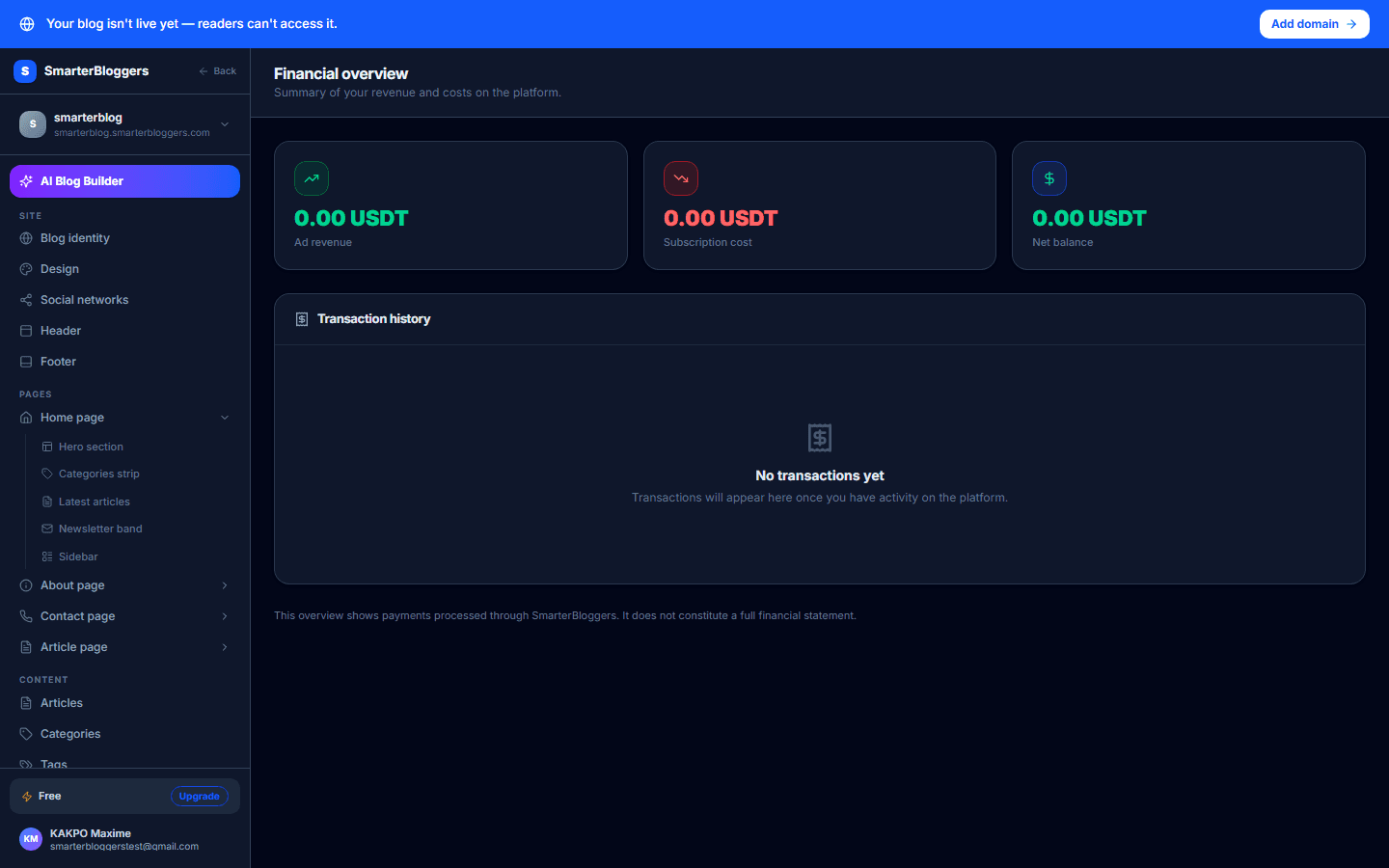
Chart of Accounts Management
The Chart of Accounts is a critical component of your accounting system, allowing you to categorize financial transactions. You can view, create, and toggle the status of accounts:
- Viewing Accounts: Use the `/chart-of-accounts` endpoint to list accounts. You can filter by `account_class` (1 to 5) and `active_only` status.
- Creating Accounts: Use the `/chart-of-accounts` endpoint with a POST request to create a new account. Ensure the account code is unique and the parent account exists if specified.
- Toggling Account Status: Use the `/chart-of-accounts/{code}/toggle` endpoint to activate or deactivate an account. Note that system accounts cannot be deactivated.
- Always check for existing account codes before creating a new account.
- System accounts are protected and cannot be deactivated.
Managing Journal Entries
Journal entries record financial transactions. You can list, create, approve, and reverse journal entries:
- Listing Entries: Use the `/entries` endpoint to view journal entries. Filter by `status`, `journal_type`, and date range. Limit results to 200 entries at a time.
- Creating Entries: Use the `/entries` endpoint with a POST request. Ensure entries are balanced (total debits equal total credits) and contain at least two lines.
- Approving Entries: Use the `/entries/{entry_id}/approve` endpoint to approve pending entries. The approver must differ from the creator.
- Reversing Entries: Use the `/entries/{entry_id}/reverse` endpoint to create a reversal entry for approved entries.
- Ensure journal entries are balanced before submission.
- Approvers must be different from the creators to maintain dual control.
Revenue and Expense Summary
The tenant accounting summary provides a read-only view of your blog's financial performance. Access this via the `/tenants/{tenant_id}/accounting/summary` endpoint. It includes:
- Total Subscription Paid: The sum of all completed subscription payments.
- Total Ad Revenue: The sum of all completed ad campaign payments.
- Net Balance: Calculated as total ad revenue minus total subscription paid.
- Recent Transactions: A list of the last 50 transactions, including type, amount, status, and date.
- Use the summary to quickly assess your blog's financial health.
- Review recent transactions regularly to ensure accuracy.
Revenue Splits and Commission Calculations
Understanding how revenue is split is crucial for financial planning. Here are some key splits:
- Ad Slot Payments: 30% to SmarterBloggers, 10% to the affiliate pool, 60% to the blog owner.
- Platform Ad Payments: 81% to SmarterBloggers, 19% to the affiliate pool.
- KYC Verification Payments: Same split as platform ad payments.
- Paid Article and Newsletter Payments: 5% platform fee, 95% due to the blog owner as a liability.
- Domain Purchases: 100% to the platform.
- Review revenue splits to understand your earnings.
- Ensure all transactions are recorded accurately to avoid discrepancies.
What's next?
Now that you understand your blog's accounting features, explore our guides on financial reporting and tax compliance to ensure your blog remains financially healthy and compliant.