
Sharing Ad Revenue with Guest Authors
Manage and distribute advertising revenue to guest authors on your blog
Overview of Guest Revenue Sharing
The guest revenue sharing feature allows you to share your blog's advertising revenue with guest authors. This is managed through a series of settings and settlements that determine how revenue is distributed. Revenue is settled automatically on the 15th of each month, and you can manage guest settings and view settlement history through the dashboard.
- Revenue is settled on the 15th of each month.
- You can adjust guest shares at any time, but changes only affect future revenue.
Viewing Current Period Revenue
The 'Current Period Revenue' section provides an overview of the revenue held so far in the current month. This includes:
- Owner Total: The amount of revenue allocated to you.
- Guest Totals: The revenue allocated to each guest based on their share percentage.
- Total Held: The total revenue held for the current period, which will be settled on the 15th of the following month.
- This is an estimate and not yet settled.
- Revenue locks on the 15th of the next month.
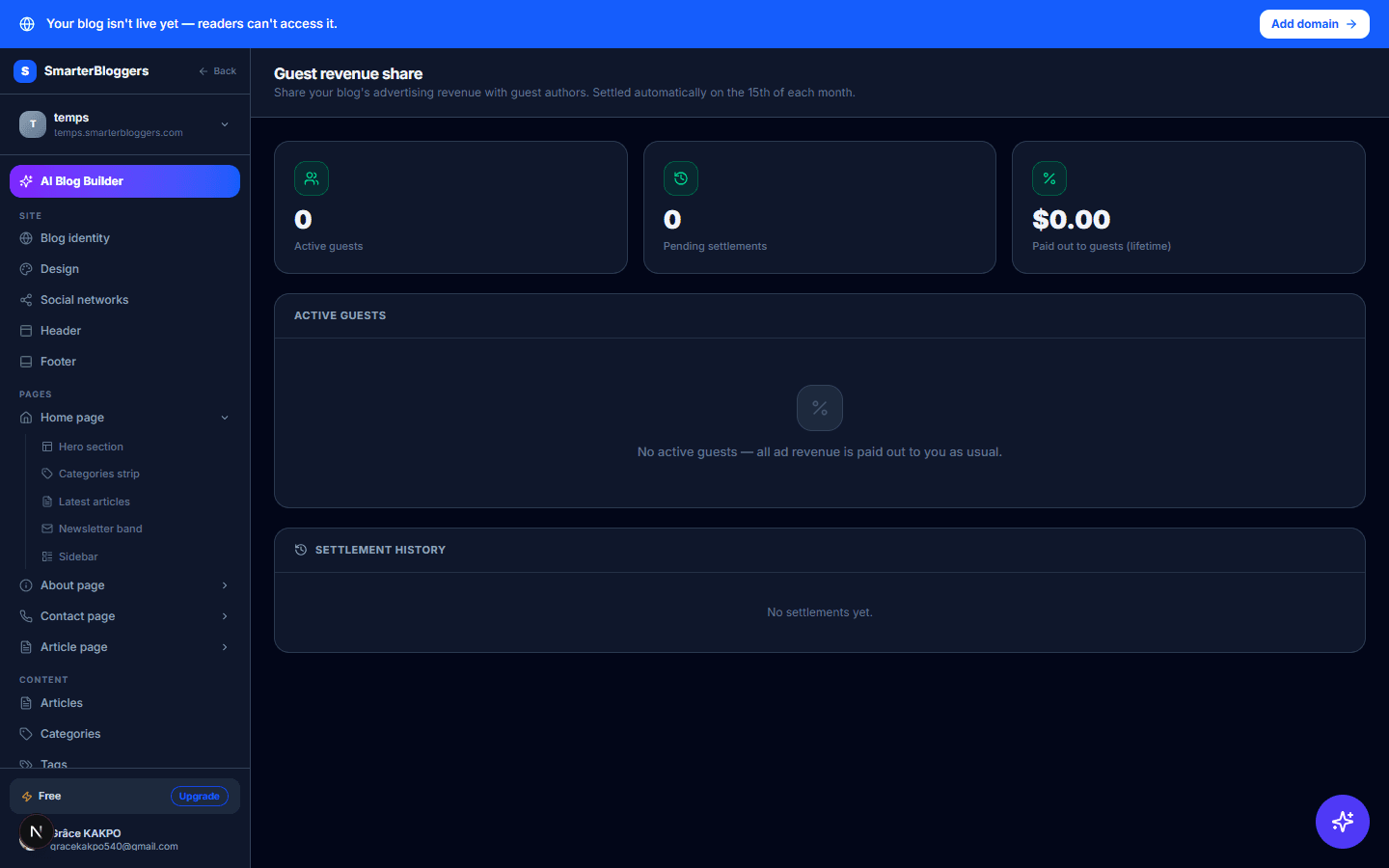
Settlement History
The 'Settlement History' section displays all past settlements, including the period, role (owner or guest), total amount, and status. Settlement statuses include:
- Locked: Revenue is calculated and awaiting payout.
- Processing: Payout is in progress.
- Paid: Revenue has been successfully paid out.
- Failed/Rejected: Payout was unsuccessful and will be retried in the next cycle.
- Review settlement history regularly to track payouts.
- Contact support if you notice any discrepancies.
Revenue Calculation and Payout Process
As soon as your blog has at least one active guest, ad revenue is no longer paid out instantly when an ad is approved — it's held and split at the end of the month instead, based on how often that specific ad was actually shown on each article. Here's the exact formula, worked through with real numbers:
- An ad is approved for $100. Your 60% owner cut is $60 — this is the pool that gets split, not the full $100.
- On the day that ad was approved, it was shown 1,000 times across your blog. A guest with a 50% revenue share had articles where that same ad was shown 400 of those times (40% of that ad's impressions that day).
- That guest's amount for that day: $60 x 40% (their share of that ad's impressions) x 50% (their revenue-share percentage) = $12.
- You keep the rest of that $60: $48.
This repeats for every day and every ad approved during the month, for every active guest — each one is attributed strictly by how much that specific ad was actually displayed on their own articles, using the percentage that was in effect on that day. Impressions on pages that aren't a specific article (your home page, category pages, sidebar) always count toward the day's total but are never attributed to a guest. A day where an ad had no tracked impressions at all leaves 100% with you for that event.
On the 15th of the following month, everything from the previous calendar month is locked and a payout is attempted for you and each guest via NowPayments (same as any other payout on the platform) — provided the amount is at least $1.00; if it's below that, it carries over to the next month automatically.
- Ensure guest KYC is verified for payouts.
- Minimum payout threshold is $1.00.
What's next?
Now that you understand how to manage guest revenue sharing, explore other features like content scheduling and analytics to maximize your blog's potential.