
Verifying Your Identity (KYC)
Comprehensive guide to completing your KYC verification on our platform
Understanding KYC Verification
KYC (Know Your Customer) verification is a mandatory process for affiliation on our platform. This verification is conducted through Kaluta KYC and is paid using cryptocurrency via NowPayments. The verification is valid for exactly one year, and any significant profile changes will require a new verification.
- Ensure your profile information is accurate to avoid unnecessary re-verifications.
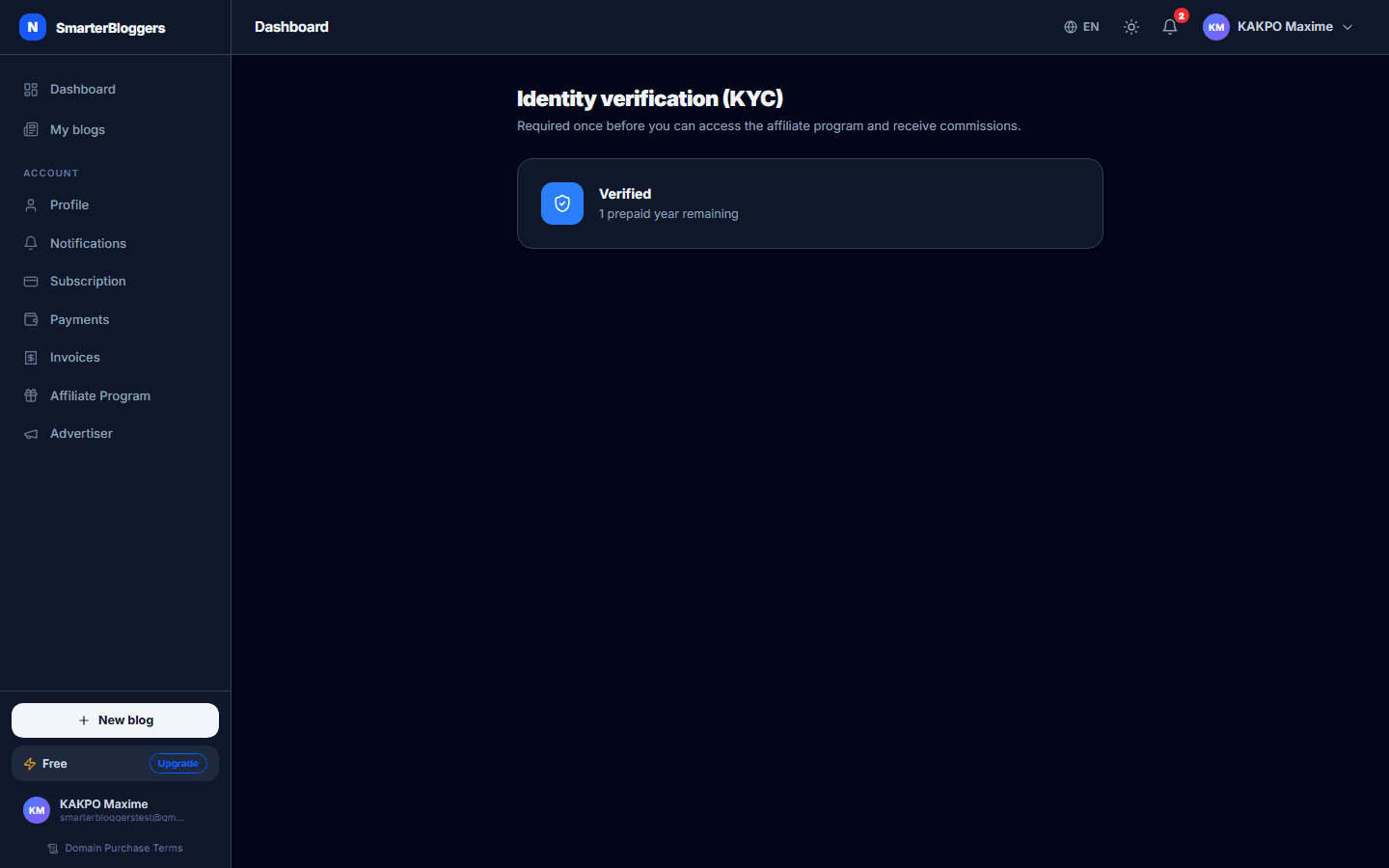
Checking Your KYC Status
To check your KYC status, navigate to the KYC page in your dashboard. The status can be one of the following: Not Started, Pending, Verified, Expired, or Rejected. The page will display your current status, the number of years remaining on your verification, and the price per year for KYC verification.
- If your status is 'Pending', you can resume verification using the provided link.
Submitting a New KYC Verification
To submit a new KYC verification, select your preferred cryptocurrency for payment. The default currency is USDT on the Binance Smart Chain (usdtbsc). The total amount for one year of verification is displayed based on the current price per year. Once you confirm the payment, a Kaluta verification session will be created.
- Ensure your selected cryptocurrency is valid and supported.
Retrying KYC Verification
If your KYC verification is rejected or expired, and you have prepaid years remaining, you can retry the verification without additional payment. Simply click the 'Reverify' button on the KYC page to start a new session with Kaluta.
- You do not need to pay again if you have prepaid years remaining.
Handling KYC Webhook Notifications
Our platform uses webhooks from Kaluta to update your KYC status. These webhooks are the final authority on your verification status. If a webhook indicates approval, your status will be updated to 'Verified'. If rejected, you will be notified and can attempt verification again if you have prepaid years.
- Check your email for notifications regarding your KYC status.
Payment and Transaction Details
All KYC transactions are processed through NowPayments. The transaction details, including the transaction ID, order ID, and payment address, are provided once the payment is initiated. Ensure you complete the payment within the specified time to avoid transaction expiration.
- Keep a record of your transaction details for future reference.
What's next?
Once your KYC verification is complete, you can proceed to unlock your affiliate link and explore other features on our platform. Check out our guides on setting up your affiliate dashboard and maximizing your earnings.