
Managing Articles
Comprehensive guide to writing, editing, and publishing articles on your blog
Listing Articles
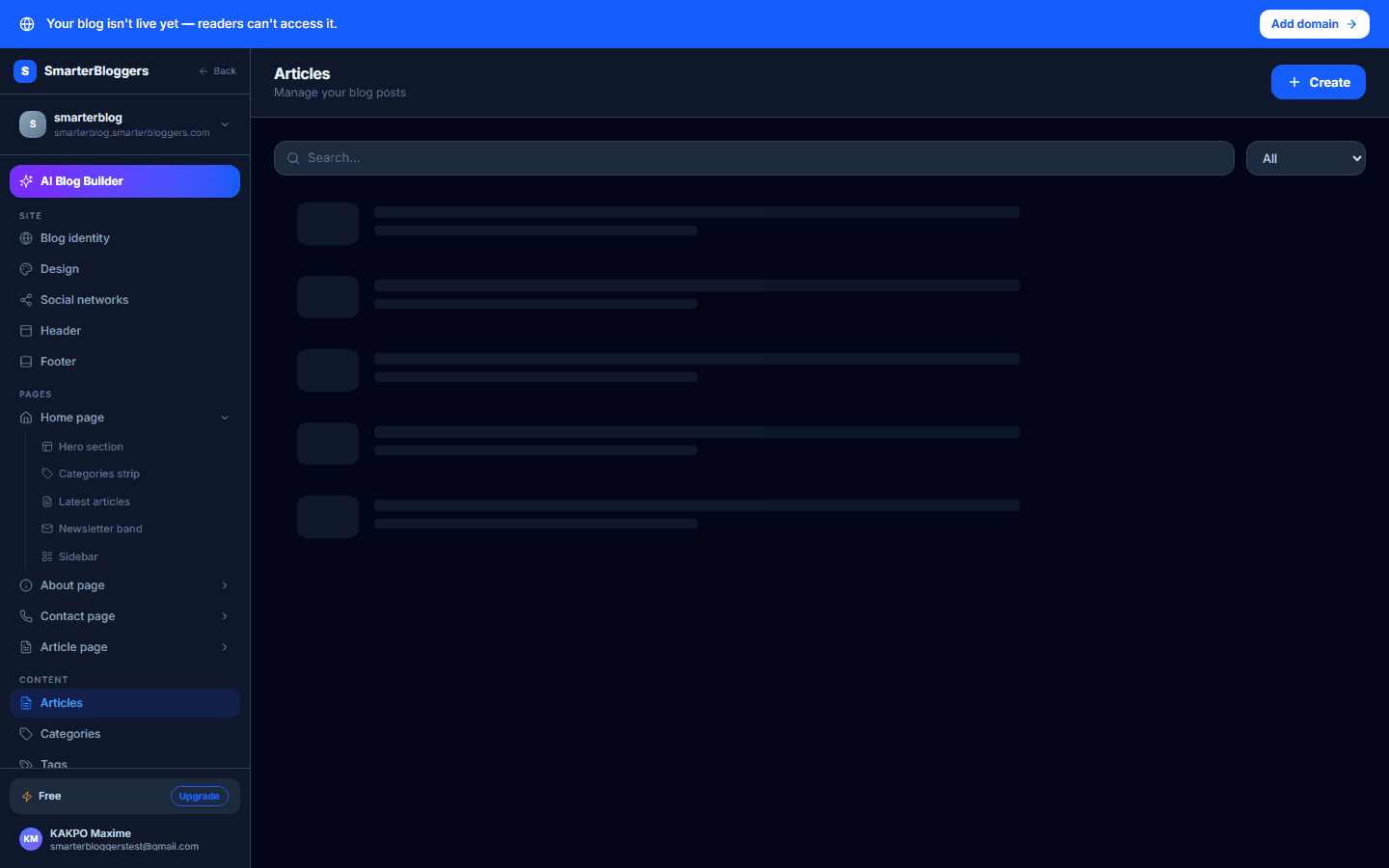
To view a list of articles, navigate to the Articles page. Here, you can filter articles by status, category, or author. The list displays up to 100 articles per query, and you can paginate through them using the cursor-based pagination system. Non-admin users can only view their own articles, while admins can see all articles.
- Use the search bar to quickly find articles by title.
- Admins can filter articles by any author.
Creating a New Article
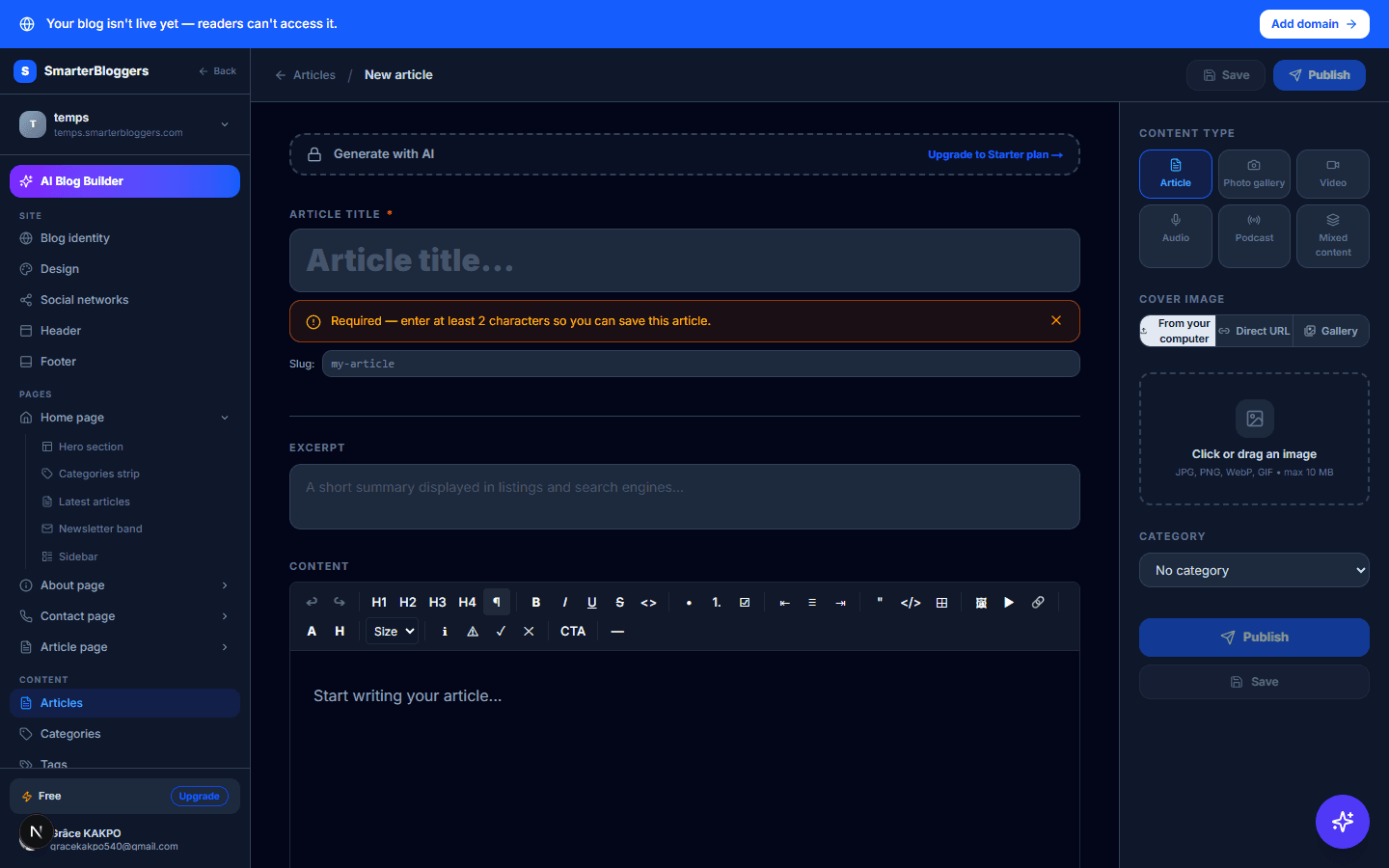
To create a new article, click the 'Create' button on the Articles page. Fill in the required fields such as title, content, and select a category. You can also set a cover image and specify the article type (e.g., article, photo, video). Ensure your article title is at least 2 characters long. If your plan has a limit on the number of articles, ensure you have not exceeded it.
- Use a descriptive title to make your article easily searchable.
- Check your plan's article limit before creating new articles.
Editing an Article
To edit an article, navigate to the article's detail page and click 'Edit'. You can update the title, content, category, and other metadata. Changes are automatically saved every 30 seconds. If you change the article's slug, a 301 redirect is created from the old slug to the new one.
- Ensure to save your changes before navigating away.
- Use the version history to track changes over time.
Publishing and Unpublishing Articles
To publish an article, it must be in 'Draft' or 'Approved' status. Click 'Publish' to make it live. To unpublish, click 'Unpublish', which will change its status to 'Unpublished'. Only editors and admins can publish or unpublish articles.
- Ensure your article is ready before publishing.
- Unpublishing an article will remove it from public view.
Submitting for Review and Approval
Authors can submit articles for review by clicking 'Submit for Review'. The blog owner will be notified and can approve or reject the article - approving or rejecting requires blog-owner (TENANT_ADMIN) permissions, not just editor access. Only articles in 'In Review' status can be approved, and only 'In Review' or 'Approved' articles can be rejected.
- Provide a clear rejection reason to help authors improve their articles.
- Use the notification system to keep track of review requests.
Archiving and Deleting Articles
To archive an article, click 'Archive'. This changes its status to 'Archived' and removes it from public view. To delete an article, click 'Delete'. This action is irreversible and will permanently remove the article from the database.
- Archive articles you might want to restore later.
- Ensure you have backups of important content before deletion.
Managing Article Versions
Each time an article is updated, a new version is created. You can view the version history to track changes over time. This is useful for reverting to previous versions if needed.
- Use version history to understand changes made by different editors.
- Revert to a previous version if a mistake is made.
What's next?
Now that you know how to manage articles, explore our guides on enhancing article SEO and integrating multimedia content to make your articles more engaging.